How to make the Buunto date picker match your store
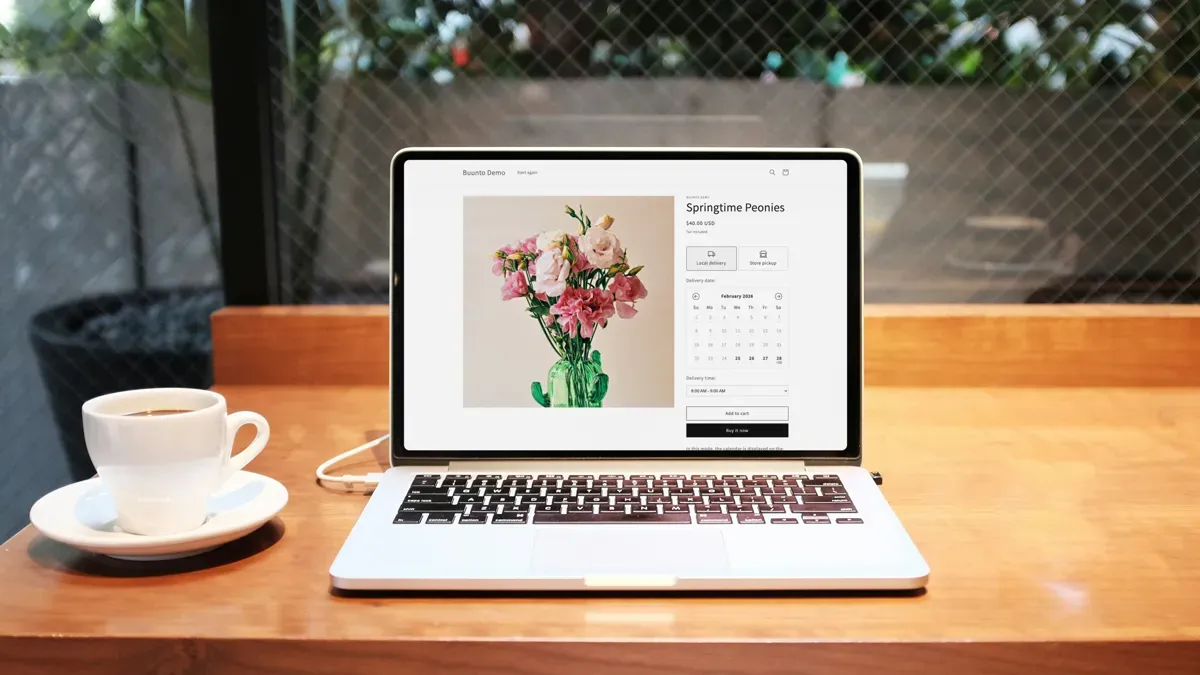
A date picker that looks like it was bolted on by a different team doesn’t inspire confidence. If the fonts are off, the colors don’t match, or the spacing feels wrong, your customers notice. It might not stop them from buying, but it chips away at the trust you’ve built with your brand.
Buunto’s widget design lets you match the date picker to your theme so it feels like a native part of the shopping experience, not an afterthought.
What you can customise
Buunto automatically picks up your theme’s typography, so it should look right out of the box. The style editor gives you control over the rest:
- Colors for backgrounds, borders, selected states, and text
- Icons - pick from built-in options or import your own to match your brand
- Spacing and sizing so the widget sits naturally on your page
- Layout to choose how the date picker appears on your product or cart page
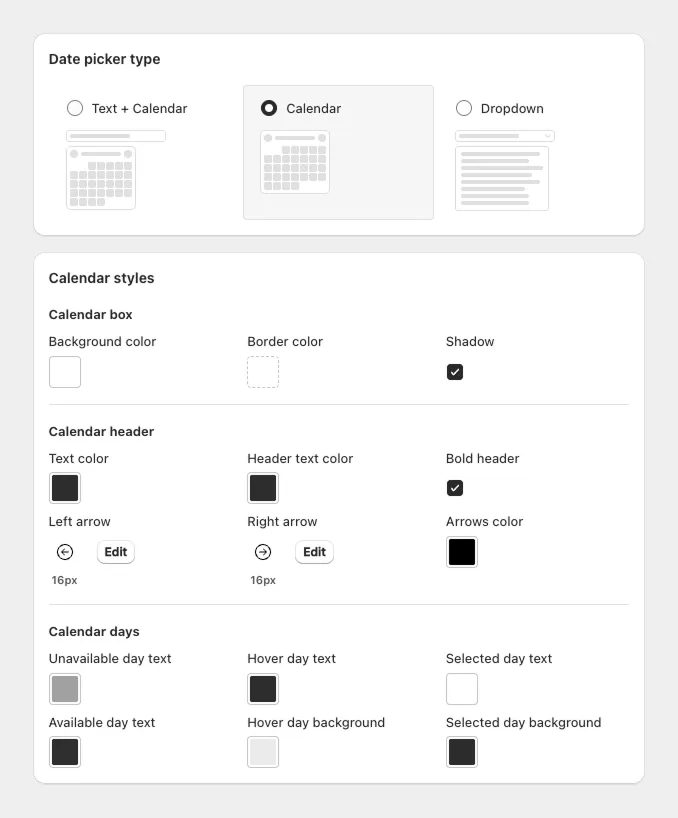
If you want to go further, there’s also a custom CSS field for fine-tuning anything the editor doesn’t cover.
How to set it up
- Open the Widget design page in your Buunto dashboard (Settings > Widget design)
- Adjust fonts, colors, and spacing to match your theme
- Use the built-in preview to see your changes in real time
- Tweak until it feels right, then save
The whole process usually takes 5-10 minutes.
Why it matters
A date picker that blends in builds confidence. Customers pick their delivery date without a second thought because it just looks like part of your store. A date picker that looks out of place makes people wonder if they can trust it, and that hesitation can cost you orders.
What’s next
Your schedule is set and the widget looks great. The last step is showing the selected date on your Thank You page and confirmation emails so customers always know when to expect their order. You can also go back to setting up your schedule and order limits if you haven’t done that yet.
If you need help with any of this, just reach out. We’re around 24/7 and usually respond in under 30 minutes.