How to offer local delivery only to some postcodes on Shopify
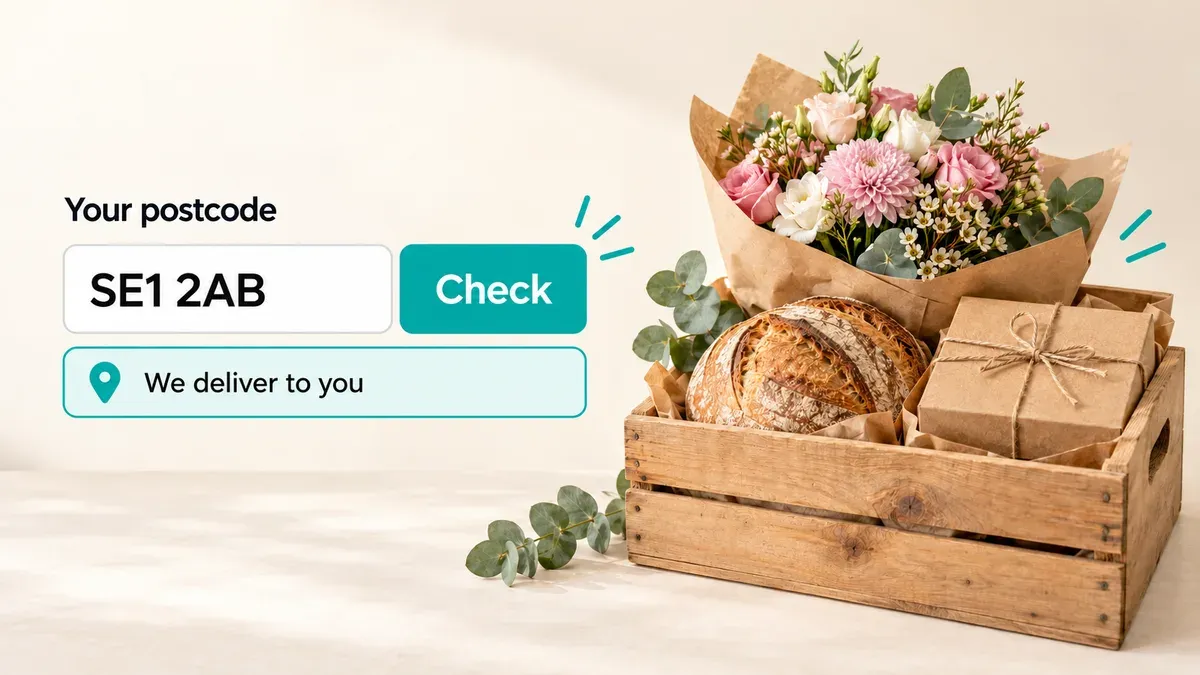
You can do this in Shopify without an app. In your local delivery settings, add a delivery zone with the postcodes you serve, or a radius around your shop, and local delivery only appears at checkout for addresses inside it.
The catch is timing. Customers only find out at checkout, after they’ve filled their cart. And if you let them choose a delivery date before checkout, someone outside your area can still book one. To check the postcode first, use an app like Buunto – Delivery Date Picker, which asks for it before showing any delivery dates.
Option 1: Set your postcodes in Shopify
- In your Shopify admin, go to Settings > Shipping and delivery.
- Under Local delivery, choose the location you deliver from and turn on Deliver orders to customers directly from this location.
- Under Delivery zones, choose Use postal codes and click Add zone. You can choose Set a delivery radius instead, up to 100 miles.
- Name the zone, enter your postcodes separated by a comma and a space, set the delivery price and, if you want, a minimum order. Click Save.
A few things that help (Shopify Help Center):
- You don’t need every full postcode. In the UK, an outward code like “EH1” covers every postcode that starts with it, but not EH11. Elsewhere, add an asterisk: “M5V*” covers every postcode that starts with M5V.
- Use several zones for different prices. Each location can have up to 10 zones, each with its own price and minimum order.
- Check what else customers can choose. Local delivery only limits local delivery. If your shipping rates still cover the whole country, customers outside your area can choose those instead.
What Shopify’s setting doesn’t cover
Shopify’s zones decide who sees local delivery at checkout. They don’t help before that:
- Customers find out late. Someone outside your area browses, fills a cart and only learns at checkout that you don’t deliver to them.
- There’s no delivery day or time. Shopify’s local delivery doesn’t let customers choose when their order arrives.
- A date picker on its own doesn’t check the postcode. If customers choose a delivery date on the product page or in the cart, someone outside your area can book a date before checkout tells them you don’t deliver there.
Option 2: Check the postcode before customers choose a date
Buunto’s postcode checker asks customers for their postcode in the date picker, on the product page, the cart or the cart drawer. If you deliver there, they see your delivery dates and time slots. If you don’t, they see a message you write, so you can point them to pickup or shipping instead.

You choose who you deliver to:
- Postcodes, outward codes or prefixes, such as “EC1A 1BB”, “SE1” or “94*”, and ranges like “94000..94499” for numeric postcodes.
- A distance from your shop, such as within 3 miles, with a price and minimum order for each zone, just like Shopify’s delivery radius (delivery zones by distance).
- Postcodes for each shop, if you deliver from more than one. Customers are offered the shop that covers their postcode.
- A different price for each postcode area, shown at checkout, so the town centre can pay less than the villages further out (settings per postcode area).
Once customers are in, everything else in the date picker applies to them: your delivery days, time slots, cut-off times and order limits.
The postcode checker is on Buunto’s Advanced plan ($19.99 a month) and up, each with a 14-day free trial. Our postcode checker guide has the full setup.
Tips for setting your delivery area
- Start with outward codes or prefixes. They’re quicker to set up than full postcodes, and you’re less likely to miss a street.
- Test the edges. Try a few postcodes just inside and just outside your area before you go live.
- Write a helpful message for everyone else. “We don’t deliver to your area yet, but you can collect from our shop” keeps a sale that a plain error would lose.
- Use a minimum order for the far end. Longer drives are easier to justify on bigger orders.
Which option is right for you?
If customers don’t choose a delivery date and you’re happy for them to find out at checkout, Shopify’s own zones are enough. If they choose a delivery day before they check out, check their postcode first, so only customers you can reach ever see your delivery dates.
See how this works for bakeries and florists, or try Buunto free on the Shopify App Store.